Everyday workspace
Do the work
Begin with the result you need, then return to conversations, files, schedules, and receipts.
- Home and personal priorities
- Ask AI safely
- Files, automations, calendar, and contracts
- Proof, finished work, and reports
The complete FusionWall product
Ask AI, work with files, repeat approved processes, set boundaries, plan recovery, and return to the receipt behind any important result—all from a local-first desktop workspace.
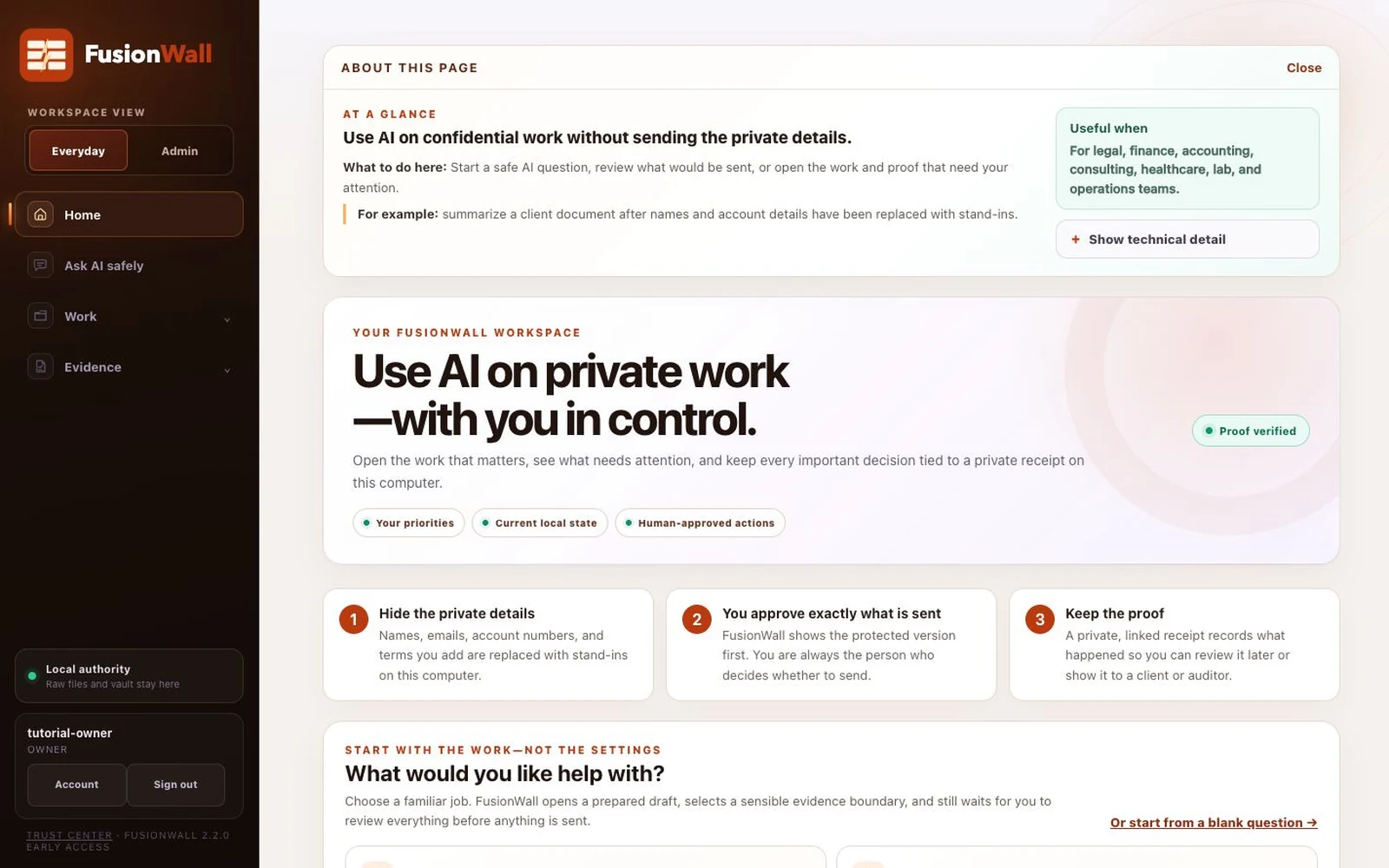
Home answers three questions: what can I do, what needs attention, and what can I prove?
One system. Two workspaces.
People see only the depth they need. Technical controls remain available without making every user begin there.
Everyday workspace
Begin with the result you need, then return to conversations, files, schedules, and receipts.
Admin workspace
Connect services, add stronger rules, protect important terms, keep the installation healthy, and prepare people to work.
Everyday work centers
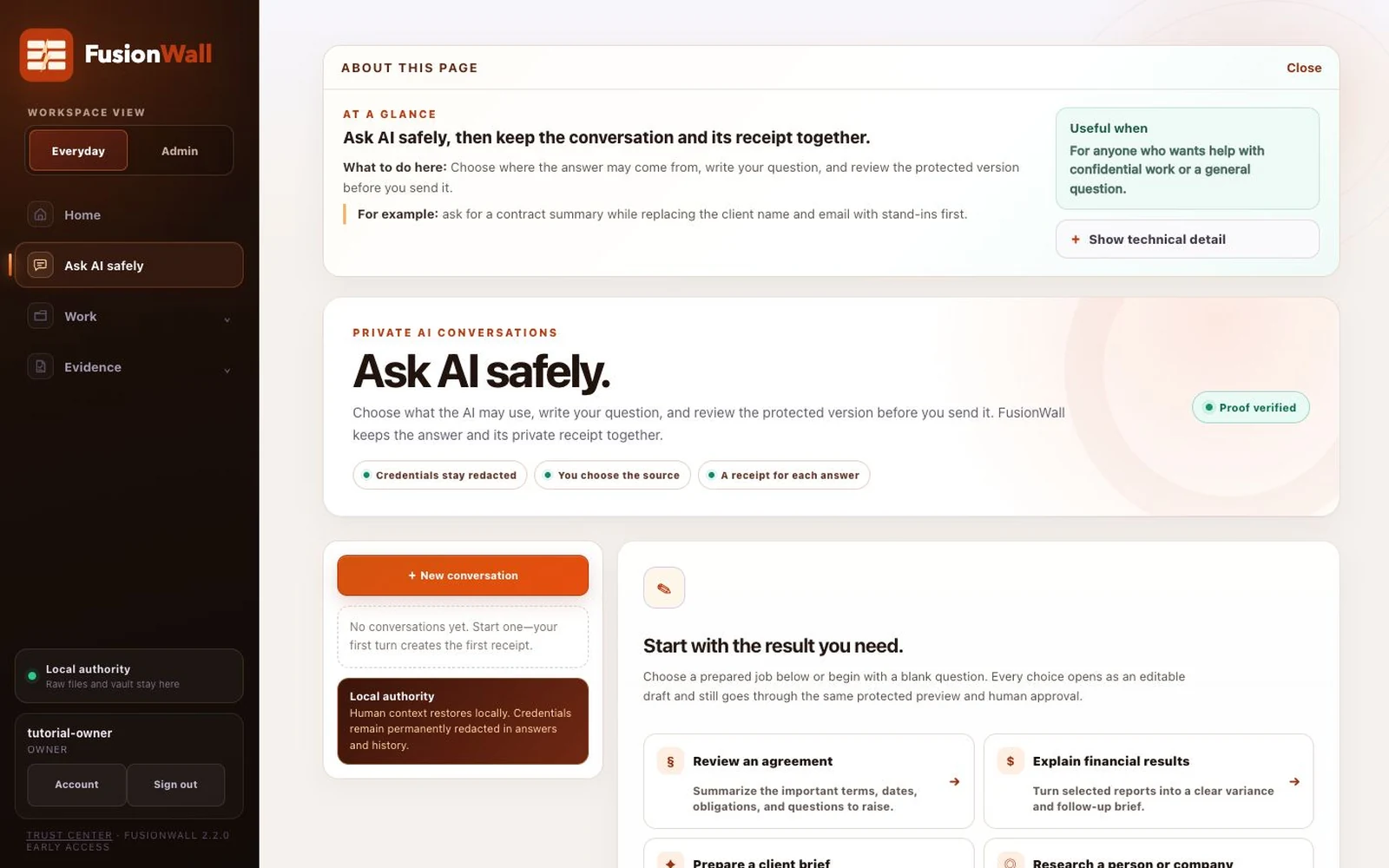
Choose a prepared job or write your own question. Review the protected version before send and keep the conversation’s receipt trail.
Check a local file, understand the safety preview, and choose whether to make it available for approved questions.
Turn a familiar process into repeatable steps while preserving model, policy, review, and approval boundaries.
Turn evidence gaps, contract dates, recovery practice, and risk decisions into named actions with owners and dates.
Connect obligations, notice windows, evidence, and follow-up so important dates do not live in a separate spreadsheet.
Pin the functions and live signals that matter to you as attractive, configurable widgets without creating new authority.
Protected conversations
A useful answer should not become an isolated chat. FusionWall can combine approved workspace evidence with current research, preserve conversation continuity, and tie each turn to the record behind it.
Admin control centers
Choose the AI, database, or local software your team already trusts. Pin exact models, endpoints, and program identities.
Set understandable limits for content, model routes, automation actions, tools, and evidence. Added rules can tighten, not weaken.
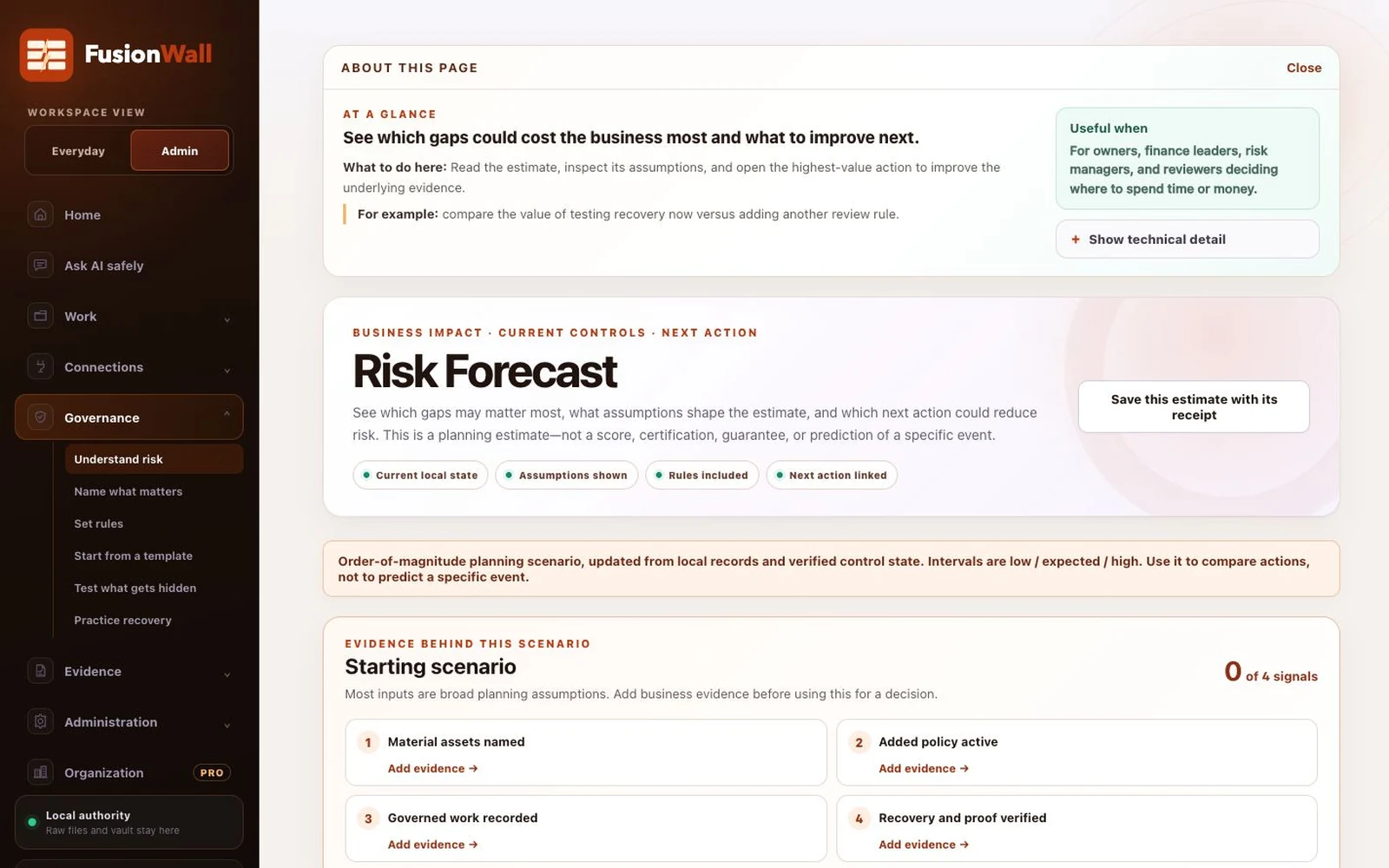
Connect evidence, material assets, and controls to an honest estimate and the next improvement worth making.
Prepare a stricter starting policy and useful evidence questions for a field, then review and activate deliberately.
Check local health, verify the receipt chain, create an encrypted recovery point, and practice restoring it.
Use synthetic data to learn masking, databases, policy, automation risk, proof integrity, and responsible operation.
Evidence that remains useful
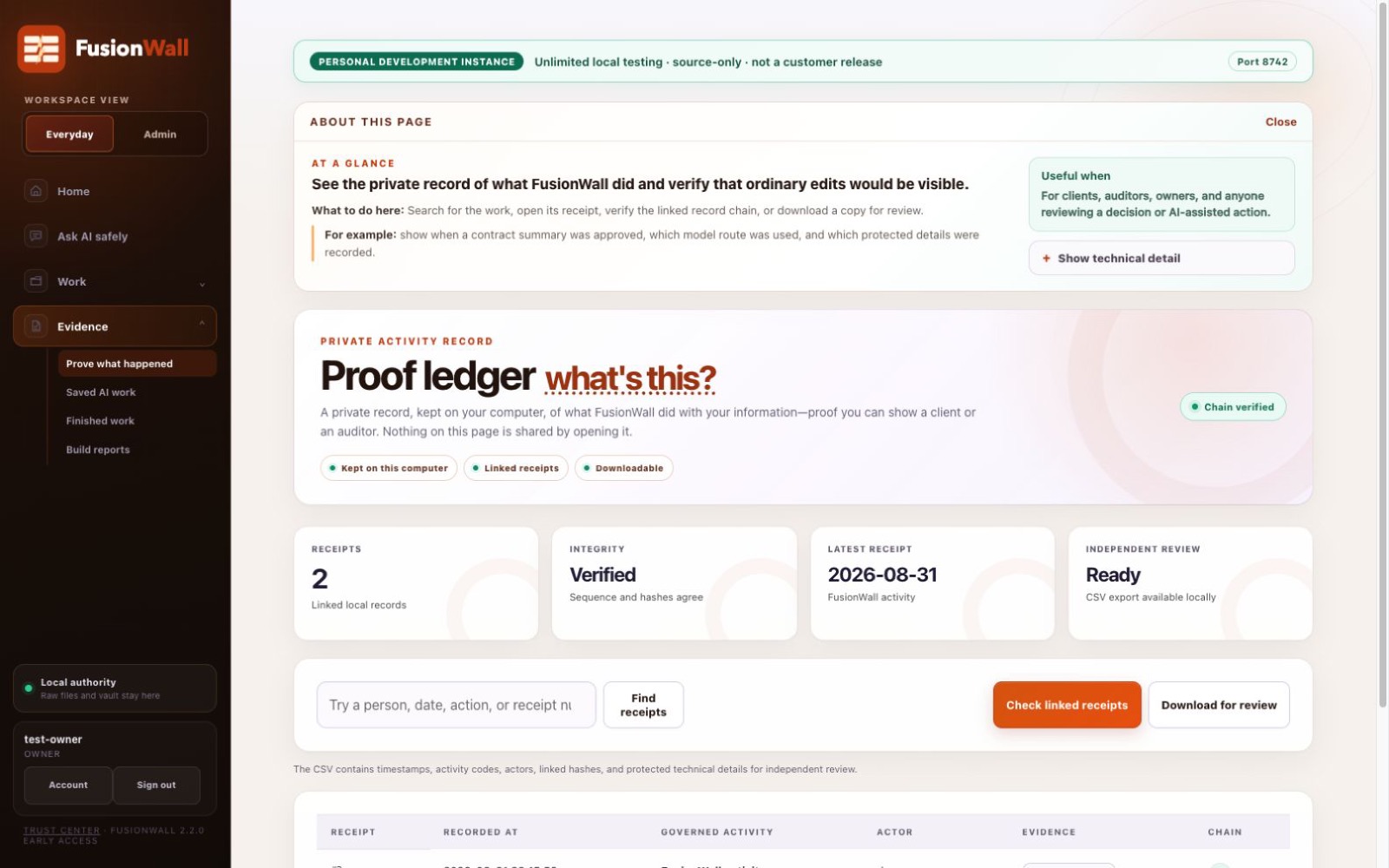
The proof ledger is a private, tamper-evident record of decisions and outcomes. FusionWall uses that record to support conversations, reports, planning, risk evidence, and future review.
From evidence to action
FusionWall’s forecast connects business assets, current controls, recovery evidence, and open gaps. The estimate is designed to steer the next action, not declare the future safe.
FusionWall Pro
The organization area adds people, seats, devices, company policy, approvals, knowledge packs, fleet evidence, and executive reporting from a controller the organization hosts.
Enroll and verify workstations from infrastructure the organization owns.
Push stronger company rules without lowering a workstation’s built-in floor.
Roll up signed receipt metadata without centralizing customer files, prompts, or restored responses.
Experience the product through people
Follow four roles from first question to proof, planning, and organization oversight.