1
Hide the private details
Names, emails, account numbers, API keys, and terms you add are replaced with stand-ins on your computer.
How FusionWall works
FusionWall prepares a protected version on your computer, lets you inspect it, and waits for you. After the AI responds, FusionWall restores the private details only on your screen and keeps a linked receipt.
The AI provider receives only the protected request you approve. Its terms and retention rules still apply.
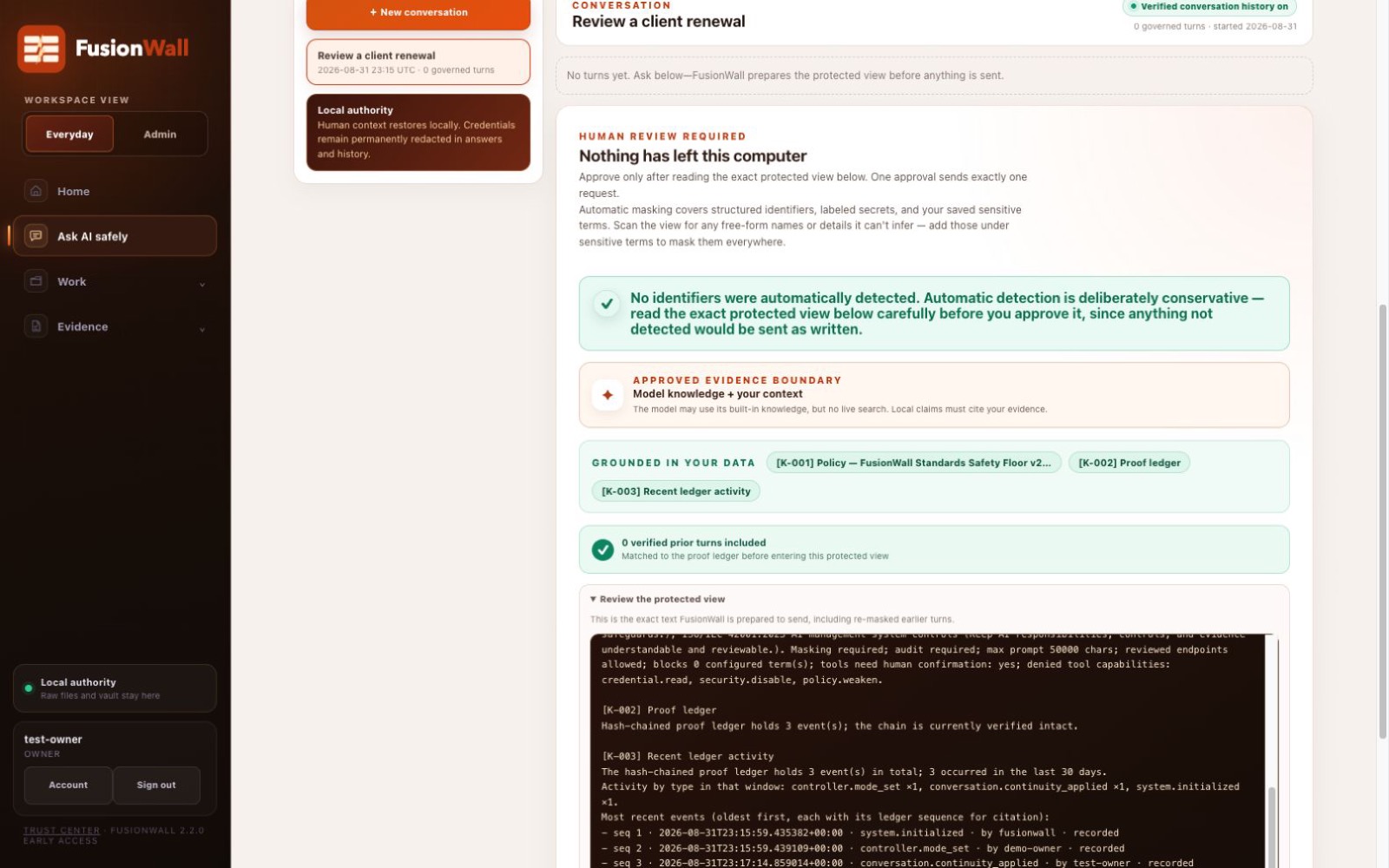
Nothing sends until the person responsible reviews this exact view.
The everyday explanation
The same path applies to a quick question, a longer conversation, and a repeatable automation.
Names, emails, account numbers, API keys, and terms you add are replaced with stand-ins on your computer.
FusionWall shows the protected request first. You can correct it, cancel it, or choose to continue.
A private, linked receipt records the provider, model, policy decision, approval, and outcome for later review.
What stays and what can leave
Raw files, restored answers, protected mappings, vault contents, private keys, local receipts, and recovery material.
The protected request, selected context, provider, exact model, policy result, and any warning that needs judgment.
The protected request and the minimum provider metadata needed to make the AI call you approved.
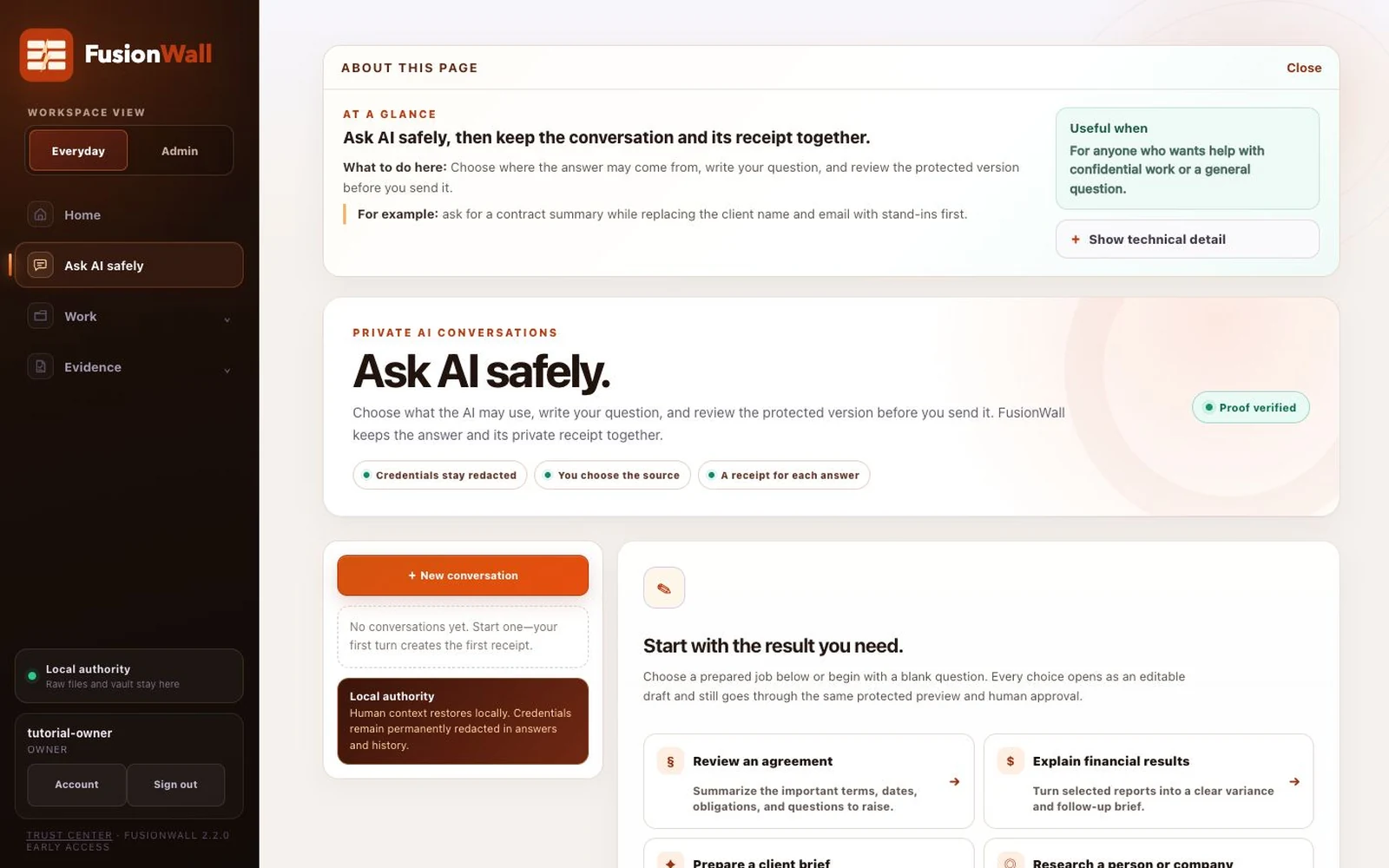
Continuous conversations
FusionWall keeps protected stand-ins consistent so a useful conversation can continue without losing who or what the discussion is about. Receipts remain tied to the same conversation.
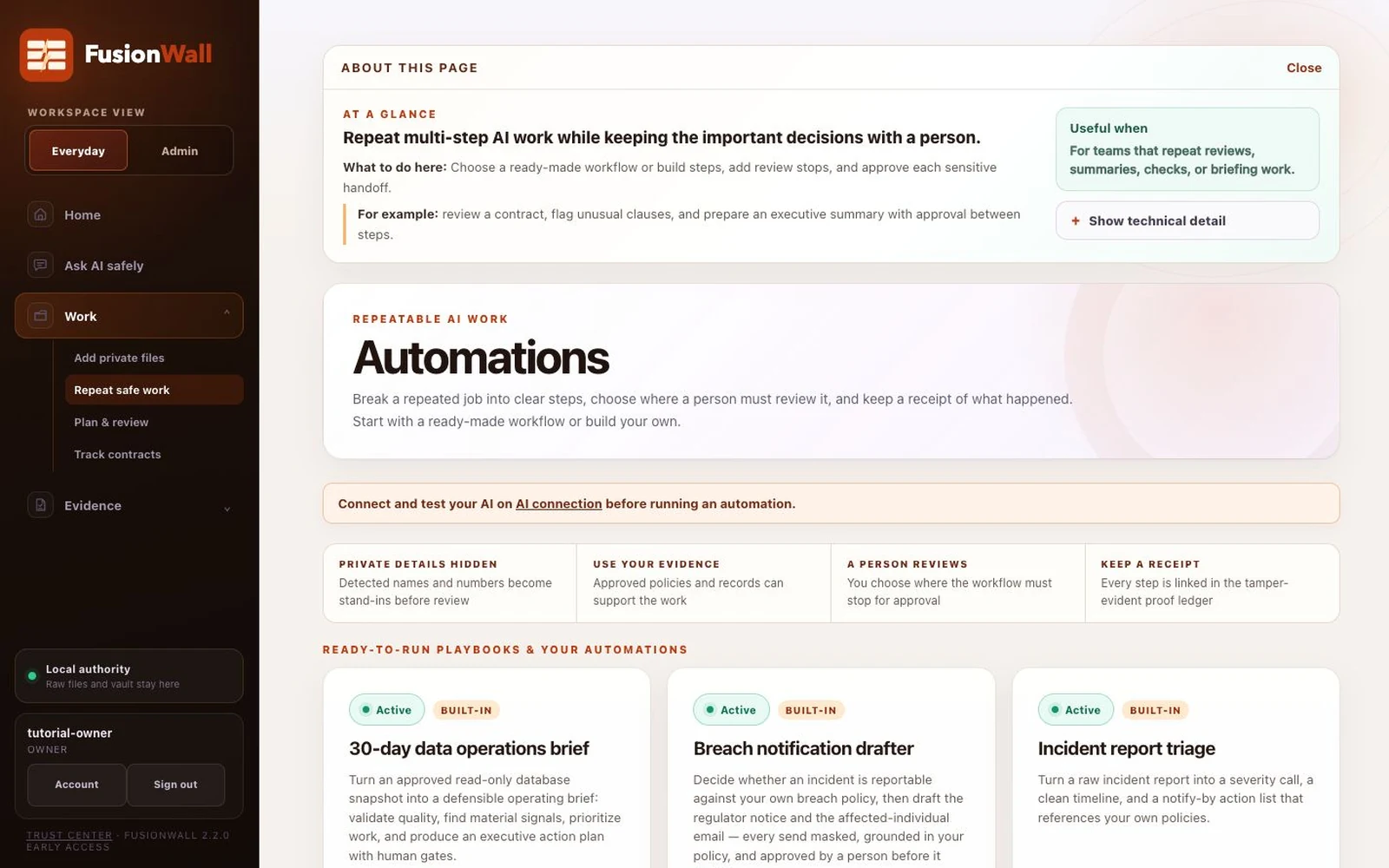
Repeatable work
A repeatable process can prepare a brief, check a contract, or organize a response. FusionWall records each step and pauses where human judgment is required.
See the boundary in real work
See how independent professionals, non-technical teams, technical teams, and administrators use the same controls for different work.